
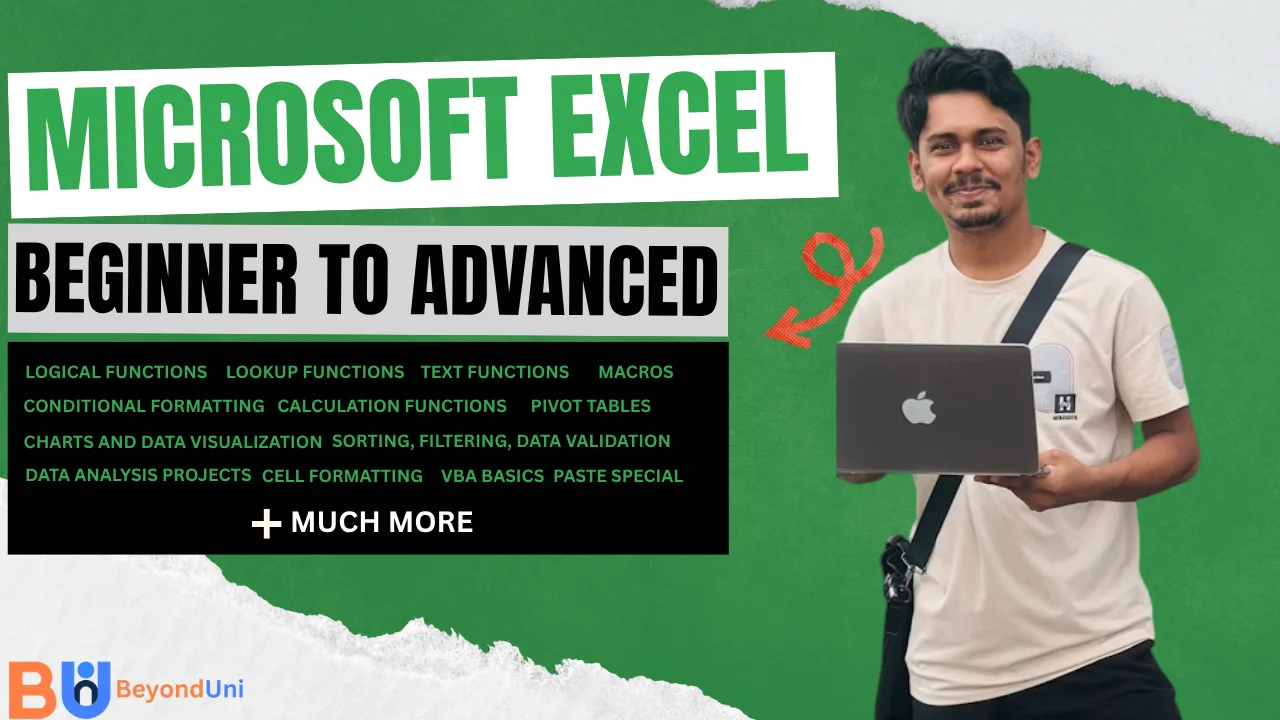

About Course
Master Microsoft Excel from the ground up with this comprehensive course designed for beginners, students, working professionals, business owners, and aspiring data analysts. Learn everything from basic spreadsheet management to advanced data analysis techniques used in real-world business environments.
Throughout this course, you’ll gain hands-on experience with formulas, functions, charts, PivotTables, data validation, conditional formatting, dashboards, automation basics, and much more. By working on practical exercises and real-life projects, you’ll build the confidence to efficiently organize, analyze, and visualize data.
What You’ll Learn
-
- Excel interface and workbook management
- Data entry, formatting, and cell styling
- Number, date, time, and custom formatting
- Basic to advanced formulas and calculations
- Mathematical and calculation functions
- Logical functions (IF, IFS, AND, OR, NOT)
- Date and Time functions
- Text functions (LEFT, RIGHT, MID, LEN, CONCAT, TEXT)
- Lookup functions (VLOOKUP, HLOOKUP, XLOOKUP, INDEX & MATCH)
- Financial and statistical functions
- Sorting, filtering, and data validation
- Conditional formatting
- Charts and data visualization
- PivotTables and PivotCharts
- Dashboard creation and reporting
- Introduction to Excel automation and macros
- Real-world business reports and data analysis projects
Whether you’re preparing for a job, improving workplace productivity, or developing analytical skills, this course will take you from beginner to advanced Excel proficiency and help you become confident in using one of the world’s most powerful spreadsheet tools.